

Remote vs Onsite BPO Teams: Which Model Fits Your Business?
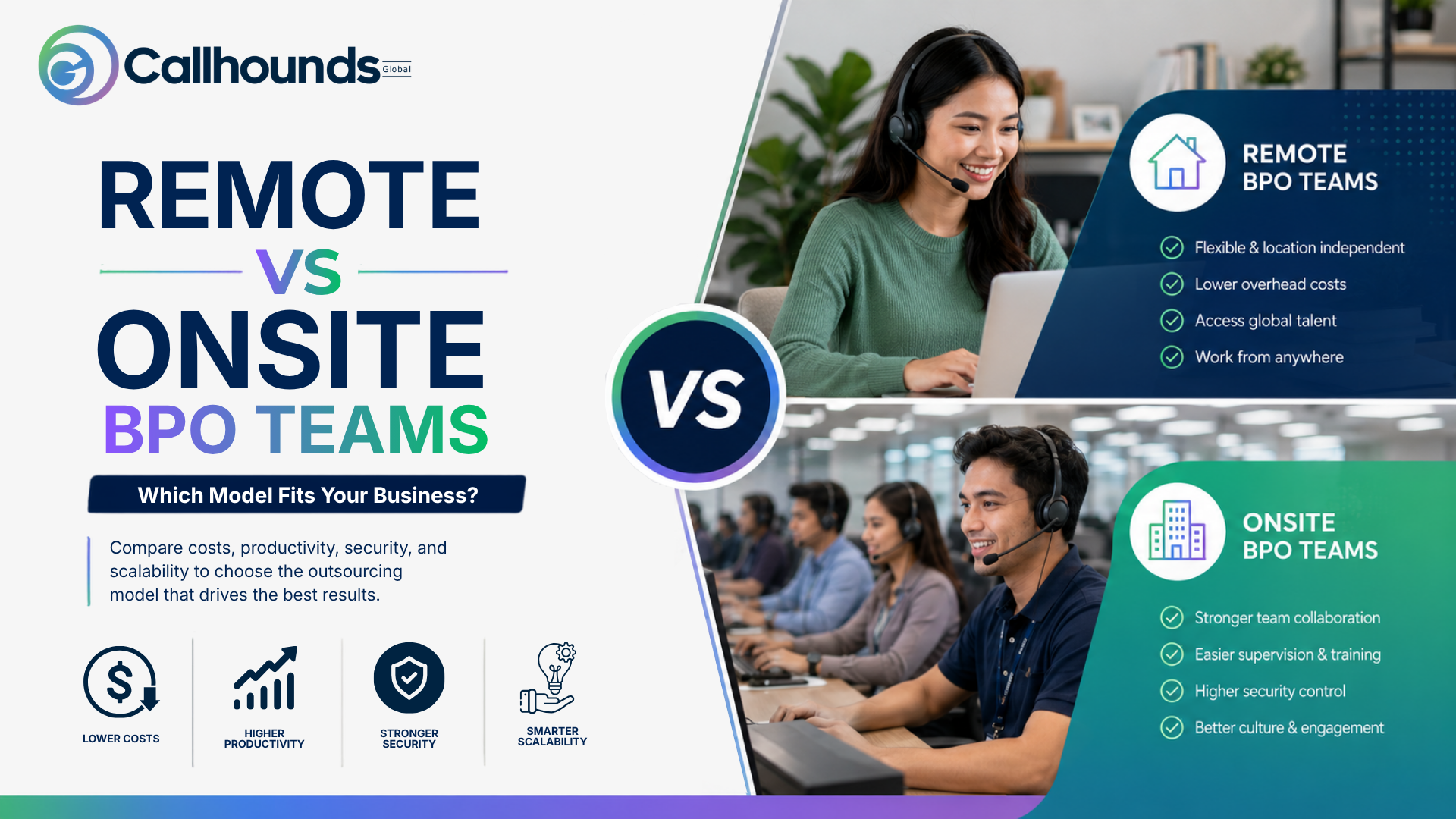
If you’re choosing between remote vs onsite BPO teams, the answer isn’t as simple as “remote is cheaper” or “onsite is better.” The right choice depends on what your business values most, speed, security, collaboration, scalability, or cost.
Here’s the short answer: onsite BPO teams excel in real-time supervision, hands-on training, and stronger physical security, while remote BPO teams offer lower operating costs, faster hiring, and access to a much larger talent pool. For many growing businesses, the best solution isn’t choosing one over the other; it’s building a hybrid model that combines the strengths of both based on operational needs, client requirements, and compliance standards.
Before comparing costs and culture, it helps to define the terms, because BPO companies use them loosely. Onsite BPO teams work from a physical center, usually a leased floor with workstations, a dedicated network, and a manager walking the floor. Everyone logs in from the same building, on the same infrastructure, under the same roof.
Remote BPO teams from work from home or from co-working spaces, connecting through cloud-based phone systems, CRM platforms, and video tools instead of a shared office network. Some remote setups are fully distributed across provinces or countries, while others cluster with agents within one city, so occasional in-person meetings are still possible.
There’s also a middle category worth naming hybrid BPO teams, where some roles, often quality assurance, training, and IT, stay onsite while frontline agents work remotely, or where agents rotate between home and office on a set schedule. Anyone researching how BPO operations work will notice that most large providers already run some version of this blend, even if their marketing still frames it as one or the other.
Cost is usually the first question a client asks, and it’s also where the two models diverge the most sharply. Onsite operations carry fixed costs that don’t move with headcount in the short term: rent, utilities, desks, security systems, and a facilities team. Those costs exist at 40 agents or at 140, which is exactly why onsite centers push hard to keep seats full.
Remote operations shift most of that spending toward technology and management rather than real estate. You still pay for licenses, secure connections, and equipment stipends, but there’s no lease renewal and no buildout when you add a new shift. The table below breaks down where the money typically goes for each model. Based on common cost categories, BPO providers report to clients.
Table 1: Monthly Cost Drivers, Remote vs Onsite BPO Teams
| Cost Category | Onsite BPO Team | Remote BPO Team |
| Facilities (rent, utilities, security) | High, fixed monthly cost | None or minimal (co-working stipend) |
| Hardware and equipment | Centralized, bulk-purchased | Distributed; often agent-owned with a stipend |
| IT infrastructure | On-premises servers, LAN setup | Cloud-based phone and CRM systems |
| Hiring and onboarding speed | Slower; tied to local labor pool | Faster; can hire beyond one city |
| Scaling for seasonal demand | Requires more floor space or shifts | Add seats without new square footage |
Neither column is universally cheaper once your account for turnover. A remote model with high attrition can quietly cost more in recruiting and retraining than a stable onsite floor. Cost comparisons only hold up when they include retention, not just rent.
This is where onsite still has a real edge for certain account types. A supervisor walking on a call center floor can spot a struggling agent from their body language before a single metric flag against it. New hires can lean over and ask a neighbor a quick question instead of typing it into a chat queue and waiting. For complex technical support or heavily regulated accounts, that immediacy shortens the learning curve and catches errors before they reach a customer.
Remote oversight isn’t blind, though; it’s just different. Call recording, screen monitoring, and real-time dashboards give managers a data trail that many onsite floors don’t bother building because the manager is right there anyway. Companies that lean fully remote tend to invest more in structured coaching sessions and documented workflows, partly because they can’t rely on hallway conversations to fill the gaps. Done well, that documentation ends up making the whole operation more consistent, not less, since nothing depends on one supervisor’s memory.
The gap that remains is the speed of correction. An onsite manager can redirect an agent to mid-call by tapping a shoulder. A remote manager has to message, wait, and hope the agent checks their notifications during a live call. For accounts where seconds matter, such as fraud alerts or medical triage lines, that lag is a legitimate reason to keep certain seats on site.
Security is the argument that used to settle the debate on its own. A decade ago, “the data never leaves the building” was a strong, simple pitch, and it’s still true that a locked-down office floor with no personal devices allowed is easier to audit. But that advantage has narrowed considerably.
Modern remote BPO setups run on encrypted virtual desktops, role-based access controls, and session recording that flags unusual behavior automatically. Agents typically can’t download client data to a local drive, copy text out of a CRM window, or plug in a USB device, because the security software blocks it at the system level rather than relying on a supervisor noticing. For companies handling healthcare, financial, or PII-sensitive accounts, these controls, combined with signed device-use agreements, now satisfy most compliance frameworks that once required a physical office.
Where onsite still pulls ahead is in physical security layers that software simply can’t replicate badge access, camera coverage of workstations, and the ability to physically remove a device the moment someone is offboarded. If your contracts specify a controlled physical environment, that clause alone may decide the model for you, regardless of how good your remote security stack is.

Retention is where a lot of remote rollouts quietly struggle. Onsite teams build rapport almost by accident: shared breaks, hallway small talk, the person at two desks over who becomes a mentor without anyone assigning them that role. None of that happens automatically when agents log in from separate homes across different time zones.
That doesn’t mean remote culture is impossible; it means it must be built on purpose instead of assumed. Teams that keep remote agents engaged tend to share a few habits: short daily huddles instead of long weekly meetings, visible recognition when someone hits a target, and a clear path showing what promotion looks like from an agent’s role. A well-run remote employee onboarding guide, given to every new hire on day one, does more for early retention than any perk stipend, because it removes the guessing about who to ask and where to find things.
Managers leading blended teams face a slightly different challenge: making sure onsite staff don’t get more attention simply because they’re easier to see. Rotating who runs the daily stand-up, sending meeting agendas ahead of time, and giving remote agents equal airtime in reviews all help close that gap. The goal isn’t to make remote work feel identical to onsite work; it’s to make sure neither group feels like an afterthought.
Speed is one of the clearest wins for remote staffing, especially for companies that need to launch a new line of business or cover a sudden spike in ticket volume. Onsite hiring means sourcing candidates within commuting distance, arranging desks, provisioning hardware, and often waiting on a facilities buildout if the current floor is full.
Remote hiring skips most of that. A company following a proper how to hire a virtual assistant team in 2026 approach can source candidates nationally or globally, run interviews over video, and have someone equipped with a company phone number and CRM access within days rather than weeks. That speed matters most during seasonal peaks, product launches, or when a client needs extra coverage on short notice.
Table 2: Feature-by-Feature Comparison, Remote vs Onsite BPO Teams
| Factor | Remote BPO Team | Onsite BPO Team |
| Talent pool | National or global | Limited to local commuting radius |
| Time to launch new seats | Days | Weeks (subject to space and hardware) |
| Real-time coaching | Message or call-based | Immediate, in-person |
| Data security model | Software-enforced, virtual desktop | Physical access control, on-site network |
| Best fit for | High-volume, standardized workflows | Complex, regulated, or high-touch accounts |
| Typical overhead | Lower, technology-driven | Higher, facilities-driven |
Onsite operations do still hold an edge for anything that benefits physical proximity: hardware repair desks, accounts requiring a secure room with no windows, or clients who contractually require an in-person audit option. But for most standardized voice and chat support, the speed advantage of remote hiring is hard to match.
There isn’t a single right answer, but there is a reasonably reliable way to sort it out. If your account involves strict regulatory audits, life-safety response, or work that legally must happen inside a secure facility, onsite is the safer starting point, even with the higher overhead. If your work is high-volume, well-documented, and measurable through clear metrics like resolution time or CSAT, remote staffing usually delivers similar quality at a lower cost and a faster ramp.
Company size and growth stage matter too. Early-stage operations with under 20 agents often do fine fully onsite, since the team is small enough to manage by walking around. Past at that point, the coordination overhead of an all-onsite floor starts to outweigh the benefits, and a hybrid or fully remote structure becomes easier to manage than it sounds on paper.
Most established BPO providers today aren’t running a pure model in either direction. A common pattern keeps quality assurance, training leads, and IT support onsite, where hands-on troubleshooting matters most, while frontline voice and chat agents work remotely, where the volume and standardization make remote staffing efficient.
Another common split is geographically rather than functional: core teams stay onsite in one hub city, while overflow during peak seasons comes from a remote bench that can be activated within days. This gives a company the stability of a physical hub with the flexibility to expand without signing a new lease every time volume spikes.
The businesses that get the most out of a hybrid model treat it as a deliberate design choice, not a leftover from pandemic-era improvisation. That means writing down which roles stay onsite and why, documenting how remote agents escalate issues, and reviewing the split every few quarters as the account grows or client requirements change.
Neither remote nor onsite BPO staffing is the objectively better model; each one solves a different problem well. Onsite teams earn their cost through tighter oversight and faster in-person correction. Remote teams earn their place through lower overhead, faster hiring, and access to talent that a single office building could never reach. The companies that get the most value tend to stop treating this as a binary choice and instead match each function, account type, and growth stage to whichever setup serves it best.
Key Takeaways
Modern remote setups use encrypted virtual desktops, role-based access, and blocked local downloads, which satisfy most compliance requirements. Onsite still has an edge for contracts that require a physically controlled environment, but for most accounts, a properly configured remote stack meets the same standards.
Remote staffing usually costs less on paper because there’s no facilities overhead, but high turnover can erase that savings quickly. The cheaper model long-term is whichever one keeps attrition lower for your specific workforce and management style.
Yes, though it requires more structured onboarding and documentation than an onsite floor needs, since new hires can’t lean over and ask a neighbor for help. Companies that invest in a clear onboarding process from day one tends to see fewer early departures.
Through call recording, screen monitoring, structured coaching sessions, and real-time dashboards that flag issues before they reach a customer. These tools require more upfront setup than an onsite floor but often produce more consistent, documented results once in place.
It takes more upfront planning to decide which roles stay onsite and which go remote, but most companies find it easier to manage once the split is documented and reviewed regularly. The difficulty usually comes from treating it as a temporary fix rather than a deliberate structure.