

Best Ticketing Systems in 2026
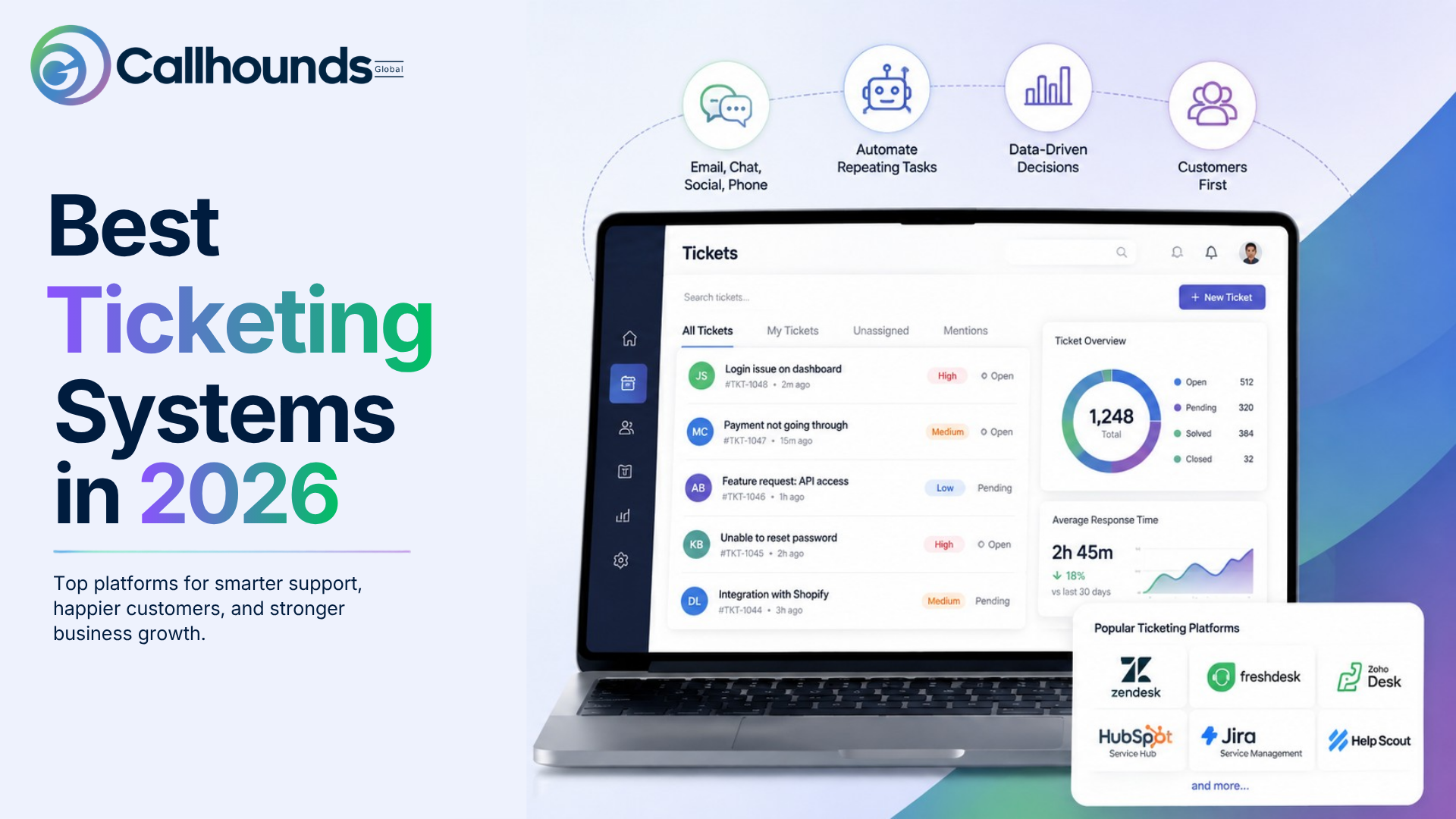
The best ticketing systems in 2026 can turn a chaotic support operation into a faster, more organized customer service engine.
When customer emails, social media complaints, and live chat requests pile up, outdated support processes can quickly lead to missed SLAs, slower response times, and frustrated customers. The right ticketing software brings those requests into one centralized queue, automates repetitive tasks, and gives managers clear visibility into support performance.
For support teams in the US, UK, and Australia, the pressure to respond faster without increasing headcount is growing. Choosing the right ticketing system is no longer just an operational decision; it can directly affect customer retention, agent productivity, and support costs.
In 2026, platforms such as Zendesk, Freshdesk, Zoho Desk, HubSpot Service Hub, Jira Service Management, Help Scout, ProProfs Help Desk, and Freshservice stand out as options worth considering.
This guide compares the top ticketing systems for 2026, what makes each platform different, and the key factors to evaluate before choosing one for your business.
A ticketing system is software that converts incoming customer requests from email, chat, phone, social media, and web forms into trackable “tickets.” Each ticket carries the full conversation history, an assigned owner, a priority level, and a status, so nothing gets lost in a shared inbox or a forgotten Slack thread.
The category has changed shape over the past two years. AI features that once felt experimental, like automatic ticket summaries, suggested replies, and sentiment tagging, are now standard on most mid-tier plans. Search engines and answer engines also increasingly surface direct comparisons and buying criteria rather than plain feature lists, which is why the sections below lead with the practical questions a support manager asks before buying.
For companies that outsource part or all their support desks, the stakes are a bit different too. A ticketing platform must give an internal manager the same visibility into an offshore team’s performance as a team sitting down the hall, with reporting that holds up regardless of time zone or geography.
| Platform | Best For | Standout Feature | Starting Point |
| Zendesk | Mid-size to enterprise, multichannel teams | AI-assisted triage and a unified agent workspace | Paid plans only |
| Freshdesk | Growing teams that need fast setup | Freddy AI for ticket summaries and suggested replies | Free plan available |
| Zoho Desk | Businesses already using Zoho apps | Context panel showing full customer history | Free plan for small teams |
| HubSpot Service Hub | Companies running HubSpot CRM | Tickets linked directly to contact and deal records | Free plan available |
| Jira Service Management | IT service management (ITSM) | Native asset tracking and change management | Free plan for small agent counts |
| Help Scout | Small teams that want an email-like feel | Shared inbox with collision detection | Paid plans, free trial |
| ProProfs Help Desk | Teams that want a shorter learning curve | AI reply drafting paired with a knowledge base | Free plan available |
| Freshservice | IT and internal service desks | ITIL-aligned workflows out of the box | Paid plans, free trial |
Zendesk remains one of the most recognized names in customer service software, and for good reasons. It handles high ticket volumes across email, chat, phone, and social channels inside a single agent workspace, with AI tools that triage incoming requests and draft first-pass replies for agents to review. Reporting is granular enough for a support director to track first response time, resolution time, and CSAT by team, channel, or individual agent. The trade-off is cost: Zendesk does not offer a permanently free plan, and its more advanced AI and workflow features sit on higher price tiers.
Freshdesk pairs a genuinely useful free tier with an upgrade path that scales into enterprise territory. Its AI assistant, Freddy, summarizes long ticket threads and suggests replies based on prior resolutions, which cuts down on repetitive typing for common issues. Automation rules route tickets by keyword, channel, or customer type, and the interface stays clean even as ticket volume grows. Freshdesk also connects to VoIP providers so phone-based support flows into the same queue as email and chat; teams running their own call infrastructure often pair it with VoIP systems explained for more context on how that handoff works in practice.
Zoho Desk’s core strength is context. Every ticket opens with a side panel showing the customer’s purchase history, past conversations, and any custom fields your team has set up, so agents are not asking customers to repeat themselves. It fits naturally into a Zoho-based tech stack (CRM, inventory, finance) and offers a workable free plan for small teams. Multichannel support, including email, chat, phone, and social, comes standard, and its AI assistant, Zia, flags ticket sentiment and suggests canned responses.
HubSpot Service Hub makes the most sense for companies that already run their sales and marketing on HubSpot. Tickets are tied directly to contact and deal records, so a support agent can see the customer’s full journey, from the first marketing email to their most recent purchase, without switching tools. This tight integration is a strong argument for pairing your help desk with the best CRM for customer support in 2026, since ticket-to-record visibility tends to shorten resolution times. The free tier includes ticketing, a shared inbox, live chat, and a basic knowledge base, which makes it an easy entry point for small teams.
Jira Service Management is built for IT service management rather than customer-facing support, though plenty of internal help desks use it for both. It handles incidents, problem, and change management with native asset tracking, SLA policies, and a self-service portal. Teams already living in the Atlassian ecosystem (Jira Software, Confluence) get the smoothest experience, since tickets can link directly to development work. Its free plan covers small agent counts, but the interface has a steeper learning curve than the customer-support-first tools on this list.
Help Scout is built for teams that want their help desk to feel like a shared inbox rather than a complex ticketing console. Collision detection prevents two agents from replying to the same customer at once, and its “Beacon” widget adds in-app chat and self-service content without a heavy setup process. Reporting is lighter than Zendesk or Freshdesk, which makes Help Scout a better fit for small to mid-size teams than large, multi-department support operations.
ProProfs Help Desk targets teams that want AI-assisted support without a long onboarding process. Its free plan includes core ticketing features, and paid tiers to add AI-drafted replies, ticket summarization, and a knowledge base designed to deflect repetitive questions before they become tickets at all. The shared inbox consolidates requests from multiple channels into one workspace, and canned responses help agents reply quickly to common issues.
Freshservice applies Freshworks’ AI and automation to internal IT and employee service desks rather than customer support. It follows ITIL best practices out of the box, covering incident, asset, and changing management, with a self-service portal for employees to log their own requests. For companies running both a customer support desk and an internal IT help desk, pairing Freshdesk with Freshservice keeps both workflows inside the same vendor ecosystem.
Feature lists only tell part of the story. Before signing a contract, compare vendors against the criteria that affect day-to-day support of work.

Buying the software is only step one. The metrics below tell you if it’s actually working.
| Metric | What It Measures |
| First Response Time | How quickly a customer gets an initial reply after submitting a ticket |
| Average Resolution Time | The time it takes to fully close a ticket from creation |
| First Contact Resolution | The share of tickets resolved without a follow-up exchange |
| Customer Satisfaction (CSAT) | Post-ticket ratings that reflect how customers felt about the interaction |
| Ticket Backlog | The number of open tickets waiting past their target response window |
| Agent Utilization | How many tickets each agent handles relative to team capacity |
Review this monthly and compare them against the numbers your team had before switching tools. A platform migration only pays off if response times and CSAT actually move in the right direction.
There’s no single best ticketing system for every business; there’s a best fit for your channel mix, team size, and budget. Teams handling straightforward email and chat volume can get real value from a free plan on Freshdesk, Zoho Desk, or ProProfs Help Desk.
Teams managing complex, high-volume, multichannel support, especially those combining in-house and outsourced agents, will likely outgrow free tiers and need the reporting depth that Zendesk, HubSpot Service Hub, or Jira Service Management provide. Whatever you choose, revisit the decision every year or two; the ticketing category moves fast, and the right tool at 10 agents is rarely the right tool at 100.
Key Takeaways
Freshdesk, Zoho Desk, HubSpot Service Hub, and ProProfs Help Desk each offer a genuinely usable free plan that covers core ticketing, a shared inbox, and basic automation. The right pick depends on which apps you’re already using; Zoho Desk fits naturally with other Zoho products, while HubSpot Service Hub fits best if your sales team already runs on HubSpot.
The terms are often used interchangeably, but a help desk usually refers to the broader support function, including knowledge bases and self-service, while a ticketing system is the specific tool that tracks and routes individual customer requests. Most modern platforms bundle both under one product.
Yes, smaller teams may find the setup and pricing heavier than they need. Small businesses without complex routing needs often get more value from Freshdesk, Zoho Desk, or ProProfs Help Desk, then move to Zendesk or Jira Service Management once ticket volume and team size grow.
Most major platforms, including Freshdesk, Zoho Desk, and Zendesk, connect to VoIP providers, so phone calls generate tickets alongside email and chat. If your support desk handles a high volume of inbound calls, confirm the integration logs of call recordings and notes directly on the ticket rather than in a separate system.
Costs typically run from free (for small teams on entry-level plans) to $50 to $100 or more per agent per month for enterprise tiers with advanced AI, automation, and reporting. Always check current pricing pages directly, since plan limits and AI feature bundling change frequently across vendors.